AI Image Upscaler & Photo EditorMake any photo sharp, big and ready to use.
Upscale images up to 6× without blur, turn a selfie into a studio headshot, or change anything by circling it. Results in about a minute, right in your browser.
Trusted by 25,000+ peoplefor LinkedIn photos, store listings and prints
Drop a photo here
or paste it (⌘V / Ctrl+V)
JPG, PNG, WEBP or HEIC · up to 10 MB
- From $9/month for 20 results
- No watermarks
- Cancel anytime

25,000+
people use ImageUpscaler
Up to 6×
bigger, up to 48 megapixels
15
headshot styles, plus your own
~1 min
per result, nothing to install
One account, every tool
Everything your photo needs
Three tools for the three things people need most. One set of credits works across all of them.
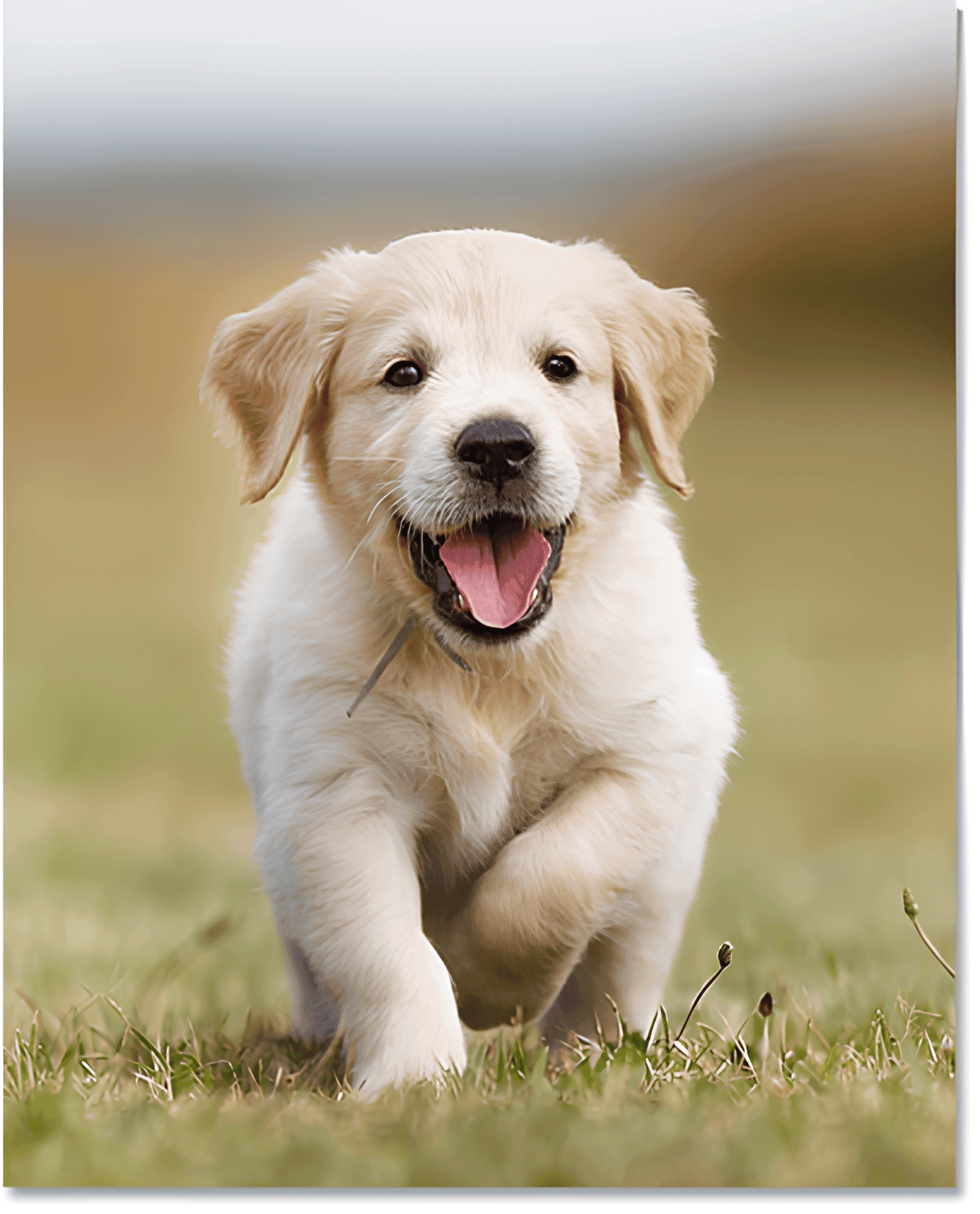
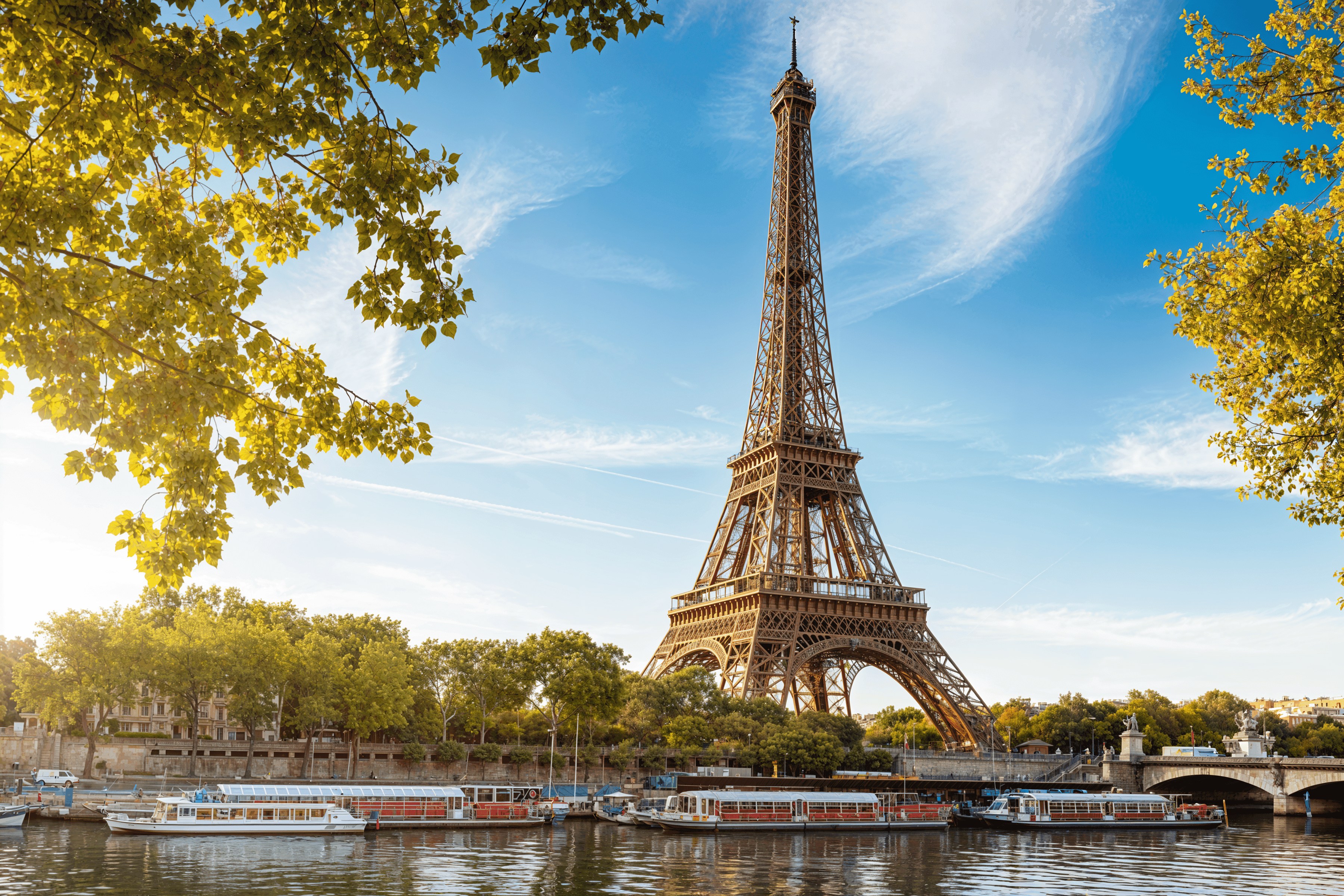 1260 px → 3600 px
AI Image Upscaler
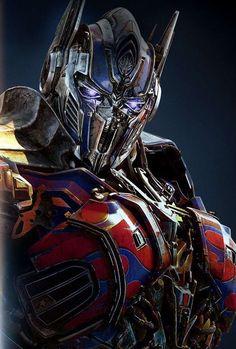
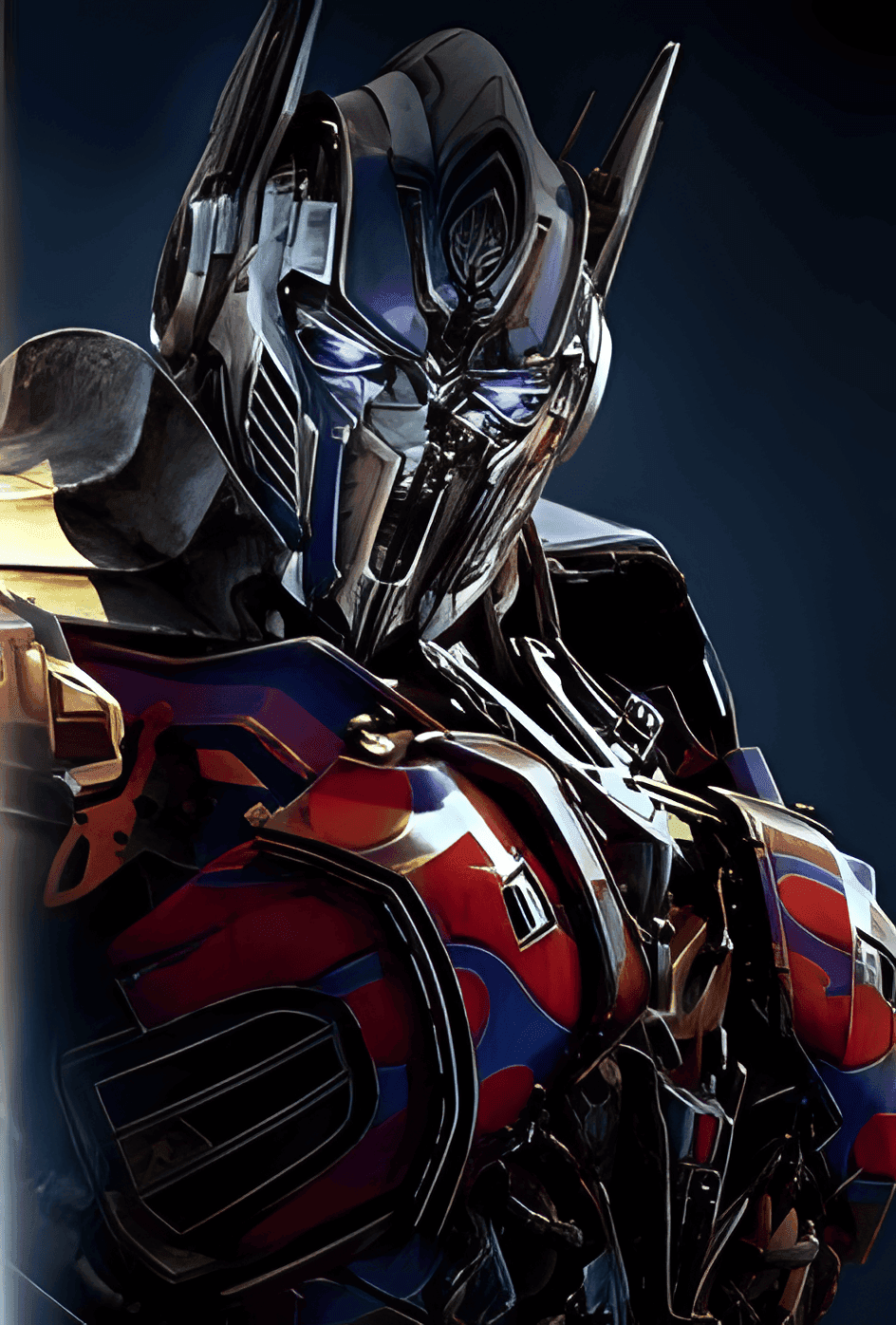
Make small photos big and sharp. Enlarge 2×, 4× or 6× and get real detail back — for prints, online stores, old photos and AI art.
Up to 48 MP · 1 creditUpscale an image
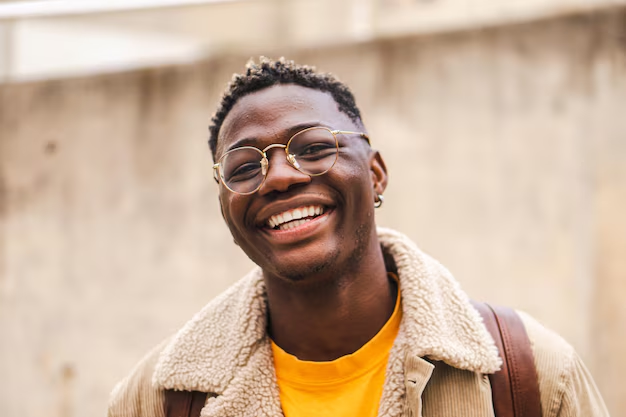
 Selfie
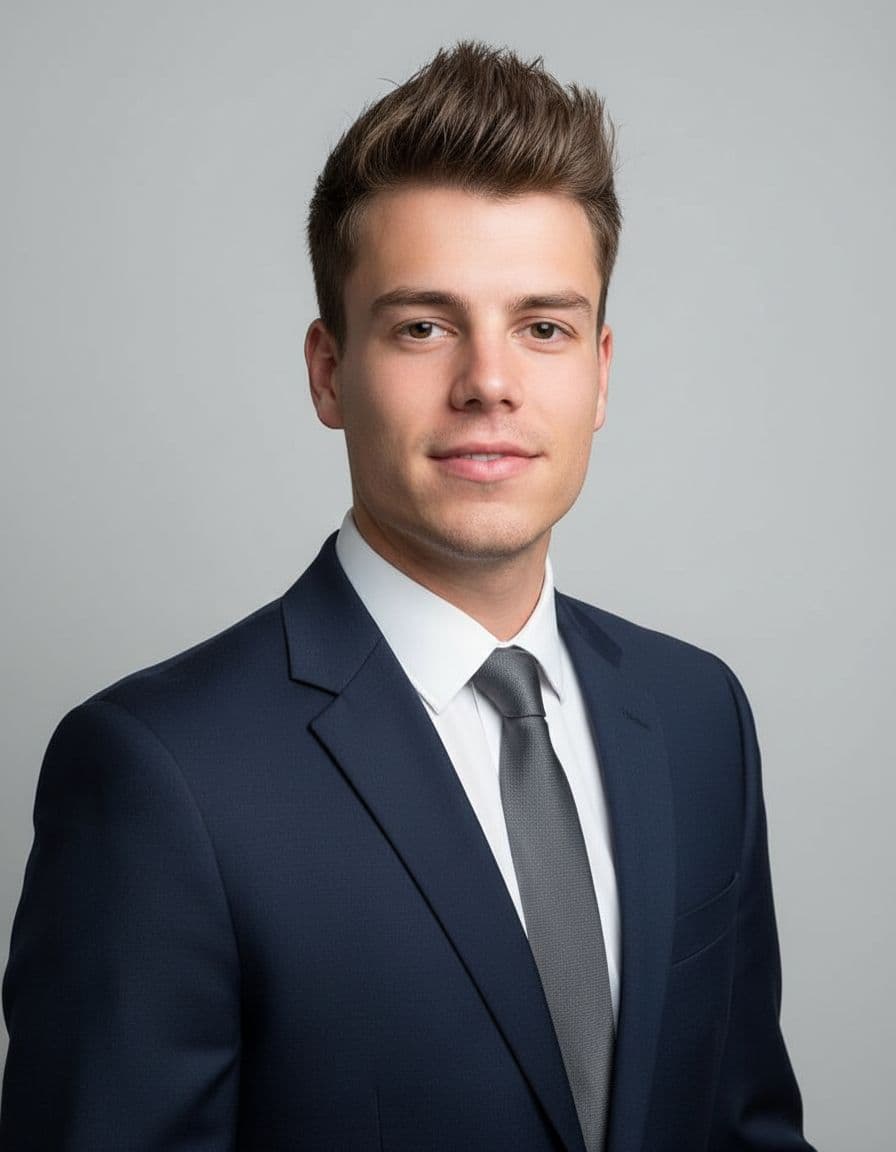 Headshot
AI Headshot Generator
Look professional from a selfie. Get a polished headshot for LinkedIn, your CV or team page — your face stays yours.
15 styles · 1 creditCreate a headshot
AI Photo Editor
Change anything by circling it. Recolor, remove, move or add things in a few words — everything else stays as it was.
Undo is free · 1 credit per editEdit a photo
More tools
- AI Photo EnhancerSharpen blurry photos and restore faces
- Profile Picture MakerPolished profile photos for any platform
- Instagram Profile PictureProfile photos made for Instagram
- FreeColor Palette GeneratorPull a color palette from any photo
- FreeImage Resolution CalculatorPixels, print size and DPI in one place
AI Image Upscaler
Upscale images without the blur
Normal resizing stretches pixels, so photos turn soft and blocky. Our AI rebuilds the missing detail — edges, texture and text — so a small photo holds up on a poster, a product page or a 4K screen.
- Scale
- 2×, 4× or 6× — up to 48 megapixels
- Modes
- Auto, Photo, Faces, Art & AI, Text, Low-res
- Quality
- Real detail, not smoothing. No watermark.
- Files
- JPG, PNG, WEBP, AVIF or HEIC, up to 10 MB
- Prints & posters
- Online store photos
- Old family photos
- AI art
- Slides & websites
AI Headshot Generator
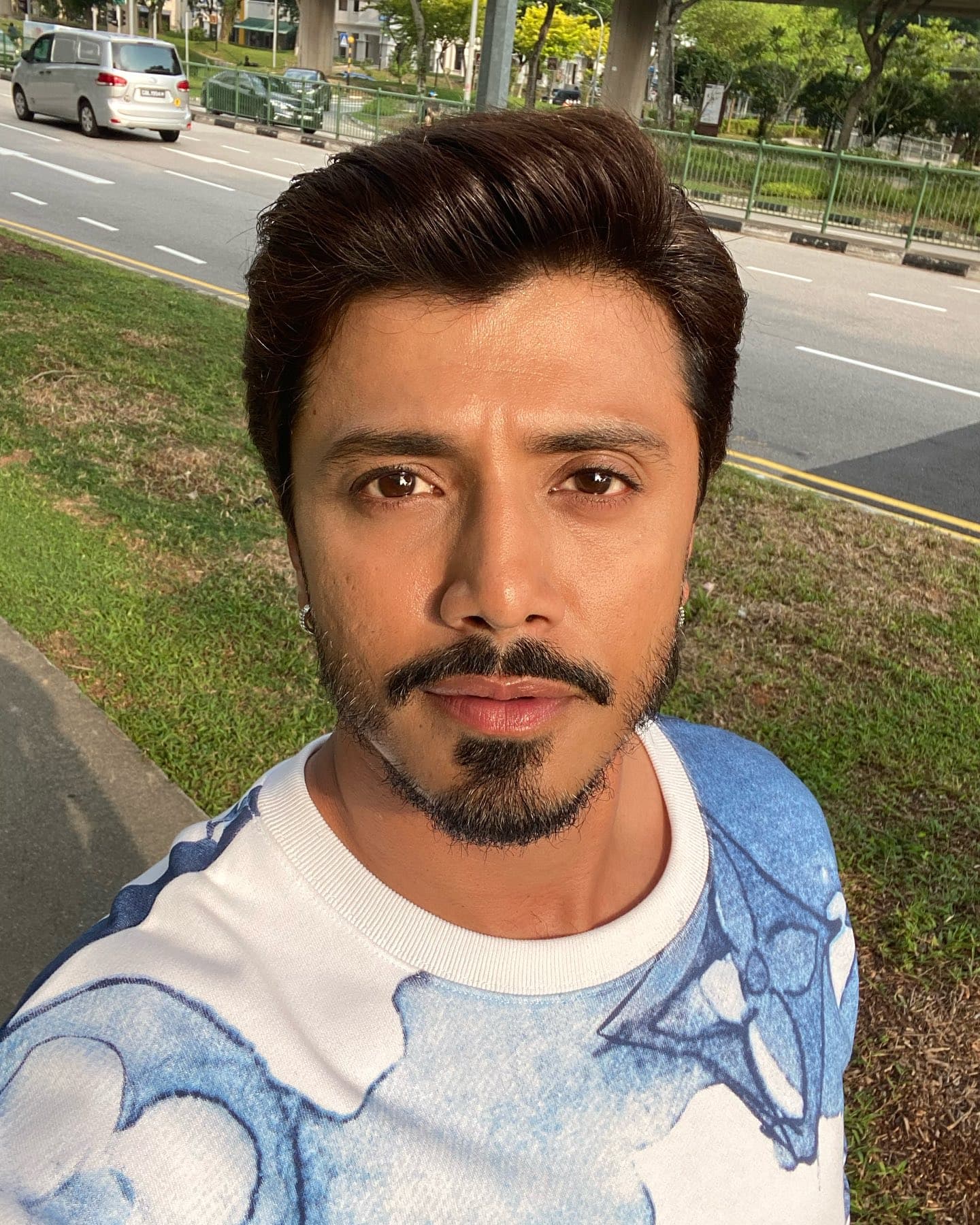
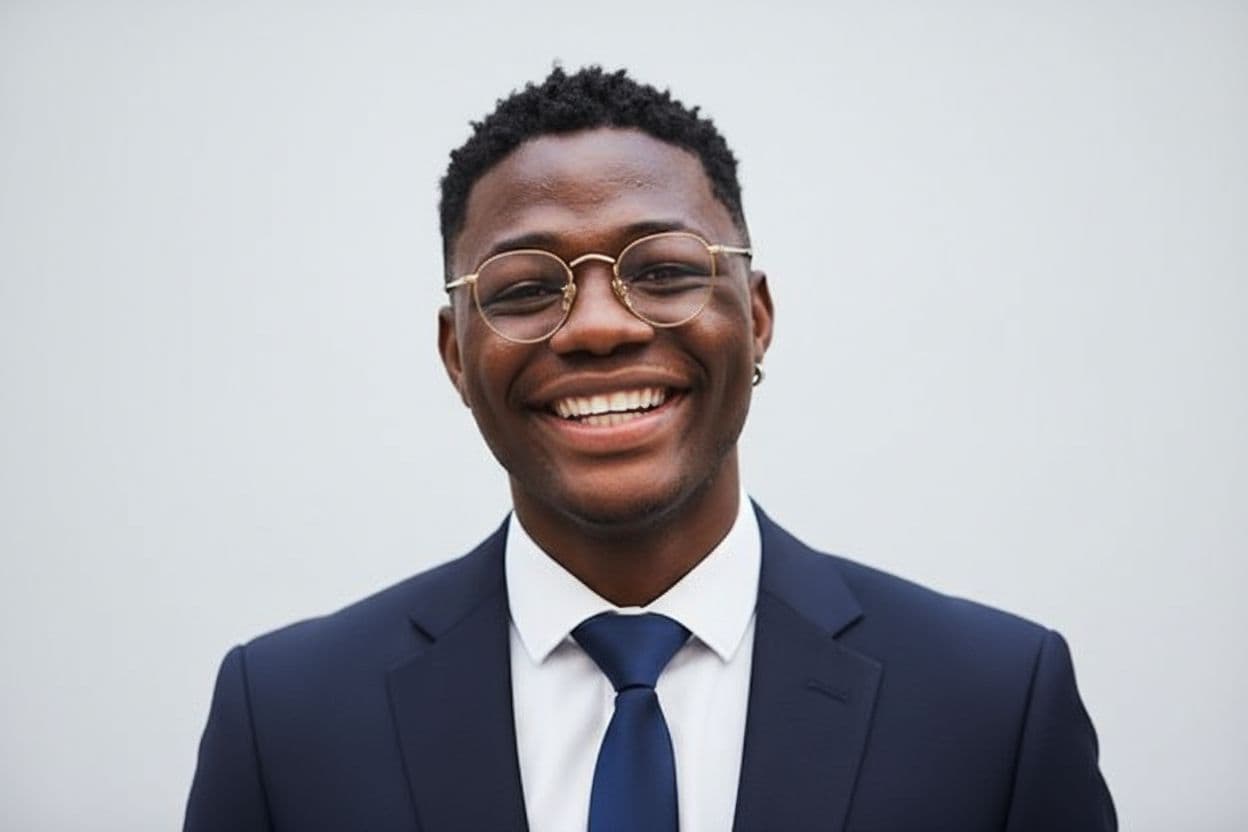
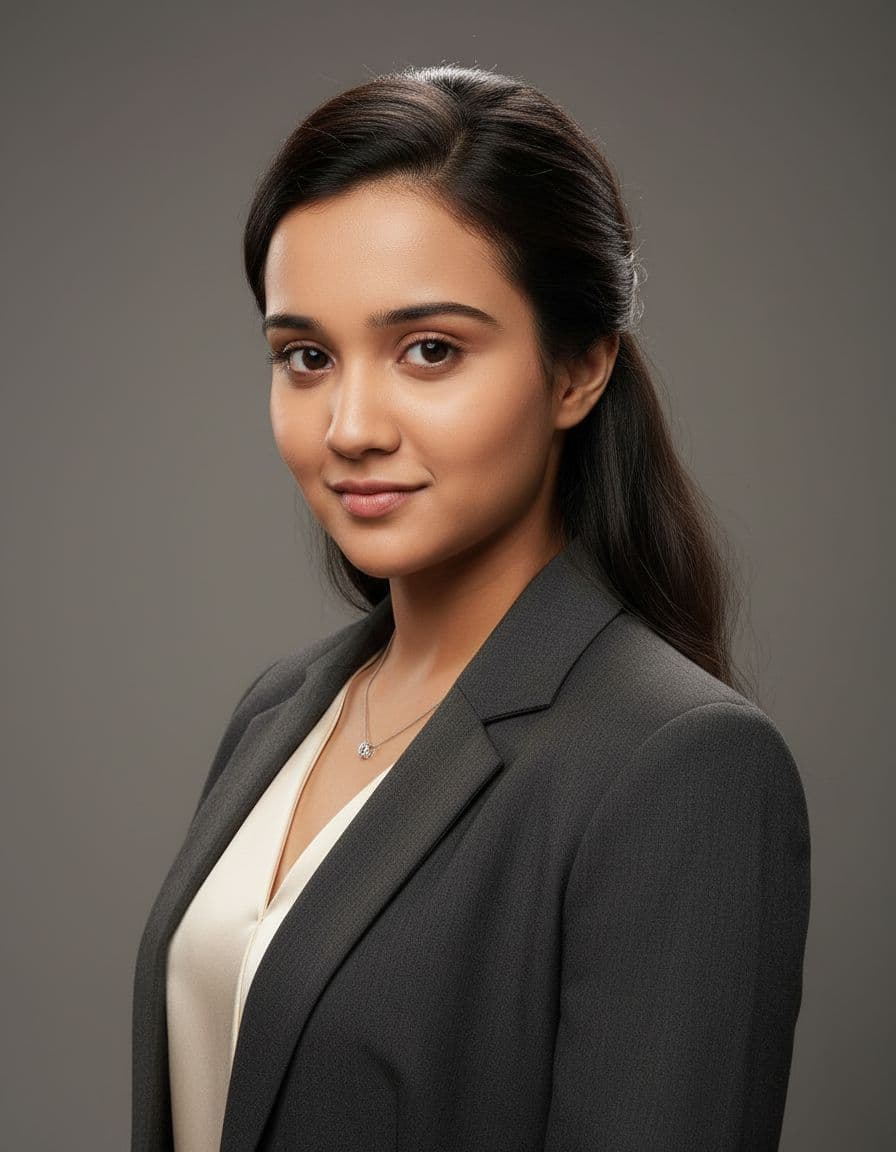
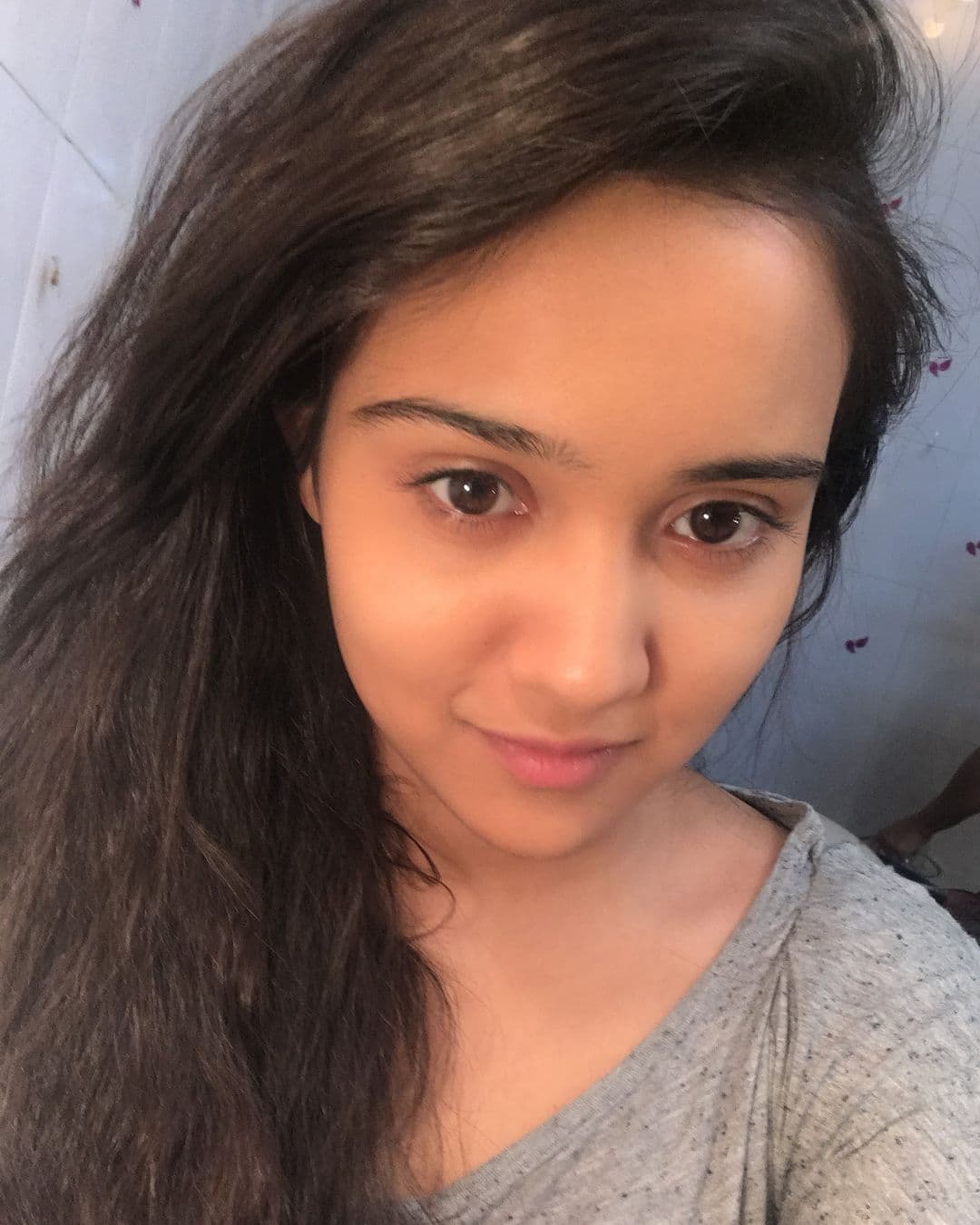
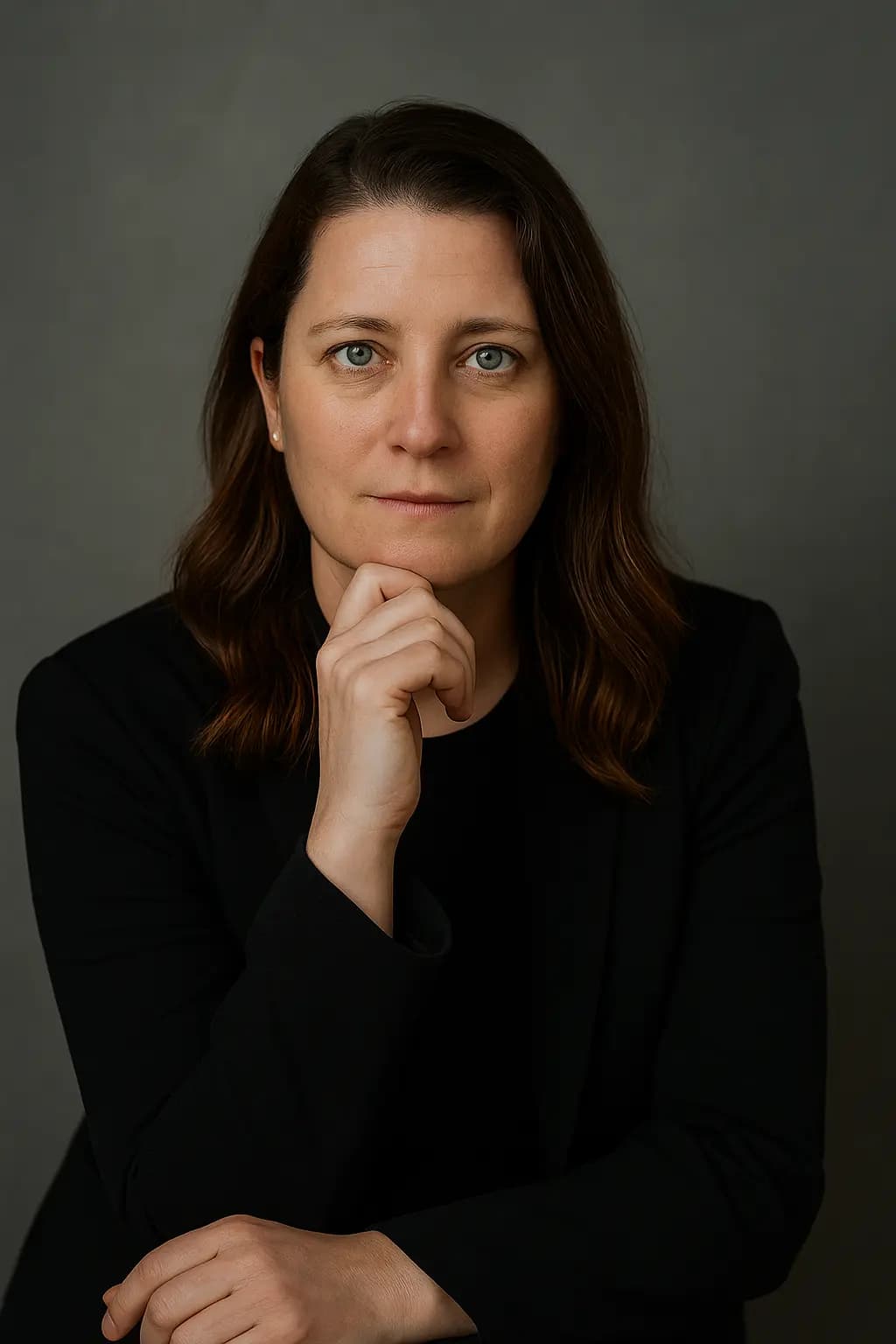
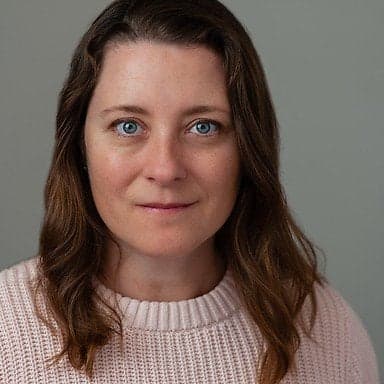
Professional headshots from one selfie
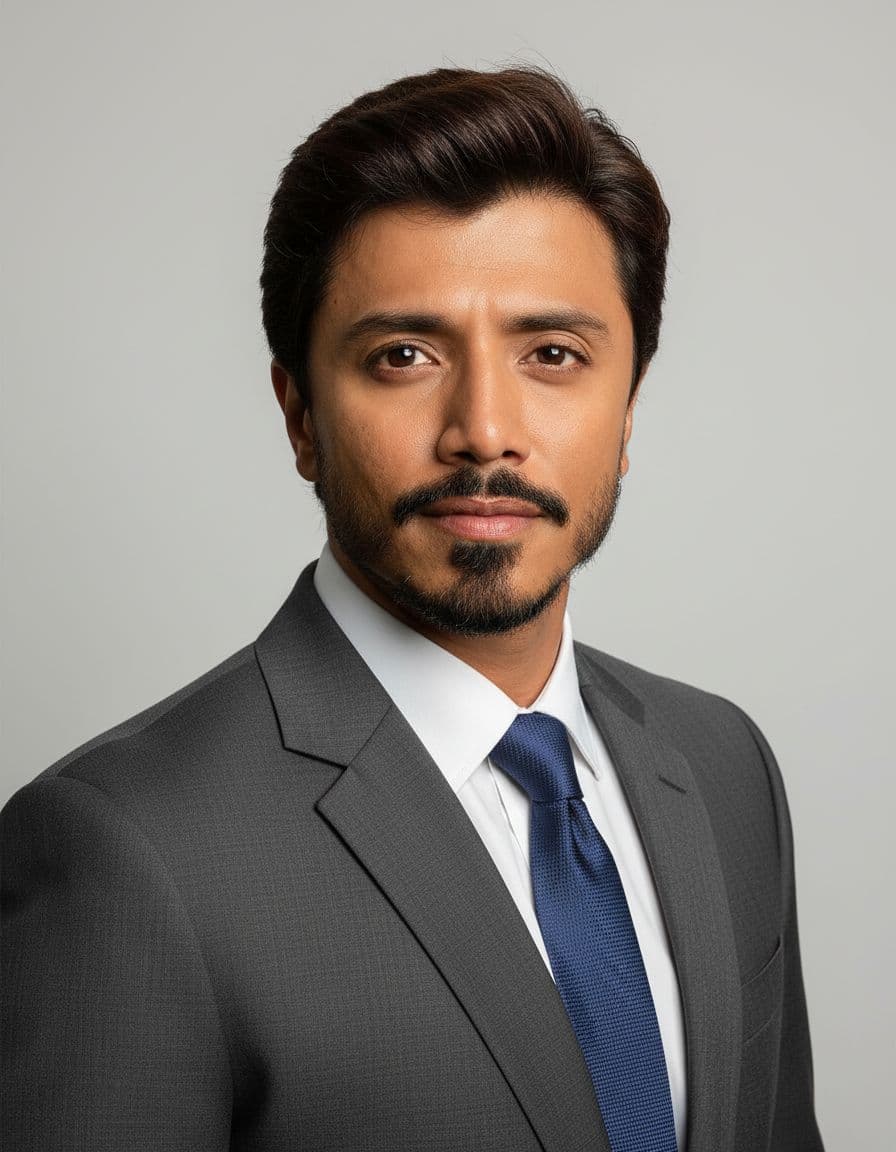
Skip the studio. Upload a casual photo, pick a style, and get a polished portrait for LinkedIn, your CV or your team page in about a minute.
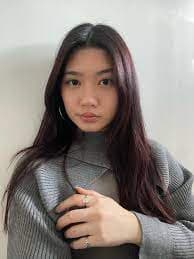
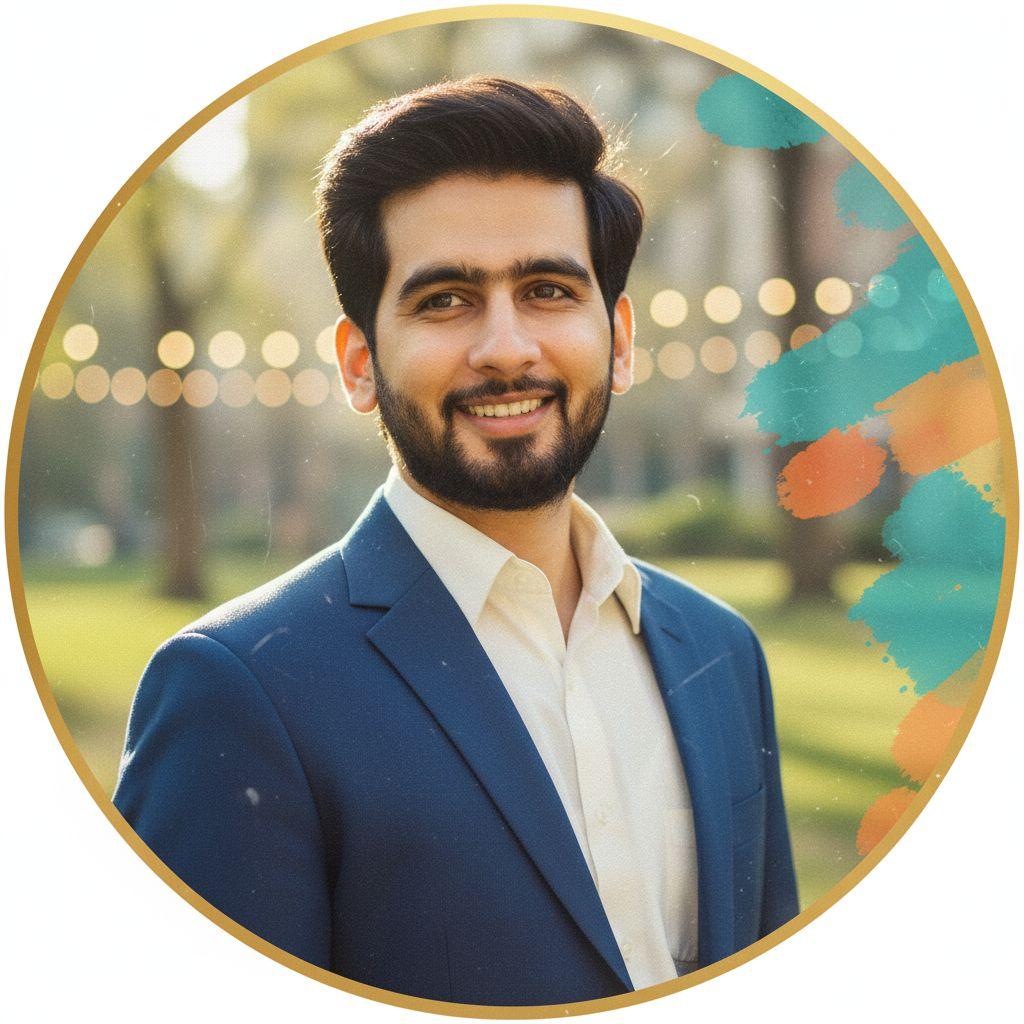
Looks like you
Your face, skin tone and hair are kept. Only clothes, background and light change.
15 styles
Corporate, modern, studio and industry looks — or describe your own.
A fraction of a studio
A studio session typically costs $150–$500. Plans start at $9/month.
 Original
- Original
 Original

 Original
 Original
 Original

 Original
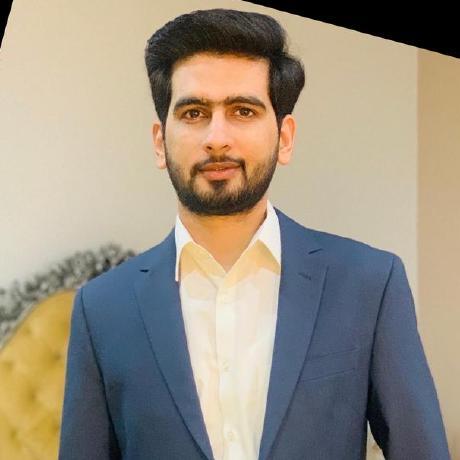 Original
Every result above started as the selfie pinned to it.
AI Photo Editor
Edit any photo by drawing on it
No layers, no masks, no Photoshop. Circle what should change, say it in a few words, and apply. The editor keeps everything you didn't mark.
- 1Mark itCircle, brush, arrow or box — each mark gets a number.
- 2Say itA few words per mark, or one line for the whole photo.
- 3ApplyCompare versions side by side. Undo is free.
How it works
From upload to download in about a minute
- Step 1
Upload a photo
JPG, PNG, WEBP or HEIC, up to 10 MB. Drag it in, choose it, or paste it.
- Step 2
Choose what you want
A size and mode, a headshot style, or marks on the photo.
- Step 3
Download the result
Full resolution, no watermark, and yours to use commercially.
Pricing
Simple plans. Every tool on every plan.
Each upscale, headshot or applied edit uses one credit. Pick the size that fits how often you need it.
Personal
For the occasional photo
$9/month
20 results a month · about 45¢ each
- Most popular
Premium
For regular use
$14/month
75 results a month · about 19¢ each
Business
For teams and stores
$29/month
200 results a month · about 15¢ each
- No watermarks
- Full commercial rights
- Failed runs don't use a credit
- Cancel anytime
Yearly billing costs less.
FAQ
Questions, answered
How does the AI image upscaler work?
Regular resizing only stretches pixels, so photos turn soft and blocky. Our AI upscaler rebuilds the missing detail — edges, texture and text — as it enlarges. Upload a photo, pick 2×, 4× or 6× and a mode (Auto, Photo, Faces, Art & AI, Text or Low-res), and download the larger, sharper image in about a minute.
How big can I make an image?
Up to 6× wider and taller, with results up to 48 megapixels — about 8,500 × 5,600 pixels. Very small images can go all the way to 6×. For photos that are already large, like a 12 MP phone photo, 2× is the right choice.
What is the difference between upscaling and enhancing?
Upscaling makes an image bigger — more pixels, for prints and large screens — while staying faithful to the original. Enhancing repairs a photo: less blur, noise and compression, clearer faces. Use the AI Image Upscaler to choose the size, and the AI Photo Enhancer when a photo looks soft or noisy.
Will my AI headshot still look like me?
That's the point. The AI Headshot Generator keeps your face, skin tone, hairstyle and expression, and only changes your clothes, background and lighting. You can choose from 15 styles, from corporate to studio portraits, or describe your own.
What can the AI Photo Editor change?
Colors, clothes, backgrounds and objects. Circle or brush what should change and describe it in a few words — recolor a sofa, remove a lamp, move something, or add an item from a photo you upload. Comparing versions and undo are free; each applied edit uses one credit.
How much does ImageUpscaler cost?
Plans start at $9/month for 20 results. Every upscale, headshot or applied edit uses one credit, and if a run fails, the credit is returned automatically. There is no free plan, so each tool has a “See a sample result” link to show the quality before you buy. You can cancel anytime.
Can I use the images commercially?
Yes. The images you create are yours, with full commercial rights — for your website, LinkedIn, store listings, print and ads. Downloads are full resolution with no watermark.
Which files can I upload?
JPG, PNG, WEBP, AVIF and HEIC images up to 10 MB. Drag a photo in, choose it from your device, or paste it from your clipboard.
More answers in our guides and on the pricing page.
Your best photo is one upload away.
Pick what you need, drop in a photo, and see it in about a minute.
Drop a photo here
or paste it (⌘V / Ctrl+V)
JPG, PNG, WEBP or HEIC · up to 10 MB
From $9/month for 20 results · No watermarks · Cancel anytime